Click Farm Detection: How to Spot Click Farms in Google Ads
Click farms use real people and real phones, so they slip past filters built for bots. Here is how they work and what they leave behind in your data.
✓ Free plan with no card · Paid plans from $39/month
Last updated · Reviewed by the Didva team
A click farm is a group of people, often working from racks of phones, paid to click, like or view things online in bulk. When they click on ads, the advertiser pays for visits from people who were never customers. Because a real person taps a real screen, click farm traffic passes checks that catch scripts, which is why detection depends on patterns across many clicks rather than any single one.
Click farms show up as many devices sharing few networks, the same device appearing on several addresses, clicks clustered in a few countries or hours, and visits that look human but never convert. Google filters some of it. The rest you catch by grouping clicks by device and network over days, then excluding the addresses.
How click farms operate
The basic setup hasn't changed much in a decade: rooms of phones and workers paid by the task. A 2017 SBS News explainer described a raid in Thailand where three men were arrested with 476 mobile phones and 347,200 SIM cards, used to rack up likes and views on WeChat. The same piece quoted a report that one Dhaka operator paid staff $15 for every thousand likes.
Most of the work sold is social: likes, follows, views and reviews. Clicking on ads is a smaller part, and it pays when someone gains from the click. That might be a publisher earning per click on ads shown on its own site, or a competitor running up your costs. A 2014 study of Facebook like farms found that some ran on bots while others took "a stealthier approach", spreading activity across accounts to look like ordinary users. Ad click farms can do the same.
In ad measurement this has a formal name. The Media Rating Council puts click farms under "incentivized human invalid activity", part of sophisticated invalid traffic: the kind that takes "advanced analytics, multi-point corroboration" or human review to find, as opposed to simple list-based filtering.
Why bot filters miss click farms
Most click fraud filters look for signs that no human is present: automated browsers, data-center networks, perfect timing, no mouse movement. A click farm defeats all of those checks by using humans. The phone is real, the network is often a mobile carrier, and the tap comes from a finger.
Scale is harder to hide. It needs many clicks from a limited number of devices, people and connections, and that leaves patterns you can see once you stop looking at clicks one at a time.
Warning signs in your Google Ads data
| Pattern | Why it points to a farm | How to check |
|---|---|---|
| Many devices behind a few IP addresses | Phones sharing one connection or a small pool | Group clicks by IP, count distinct devices |
| One device on several IPs or countries | Same handset, rotating SIMs or VPNs | Group clicks by device fingerprint |
| Clicks from countries you barely target | Farms cluster where labor is cheap | Locations report, "presence" setting |
| Bursts at the same hours every day | A shift pattern | Segment clicks by hour and day of week |
| Normal-looking visits that never convert | Human behavior, no buying intent | Conversion rate by network and device |
| Mostly mobile, mostly Display or app placements | Where phone farms find ads | Where ads showed, by device |
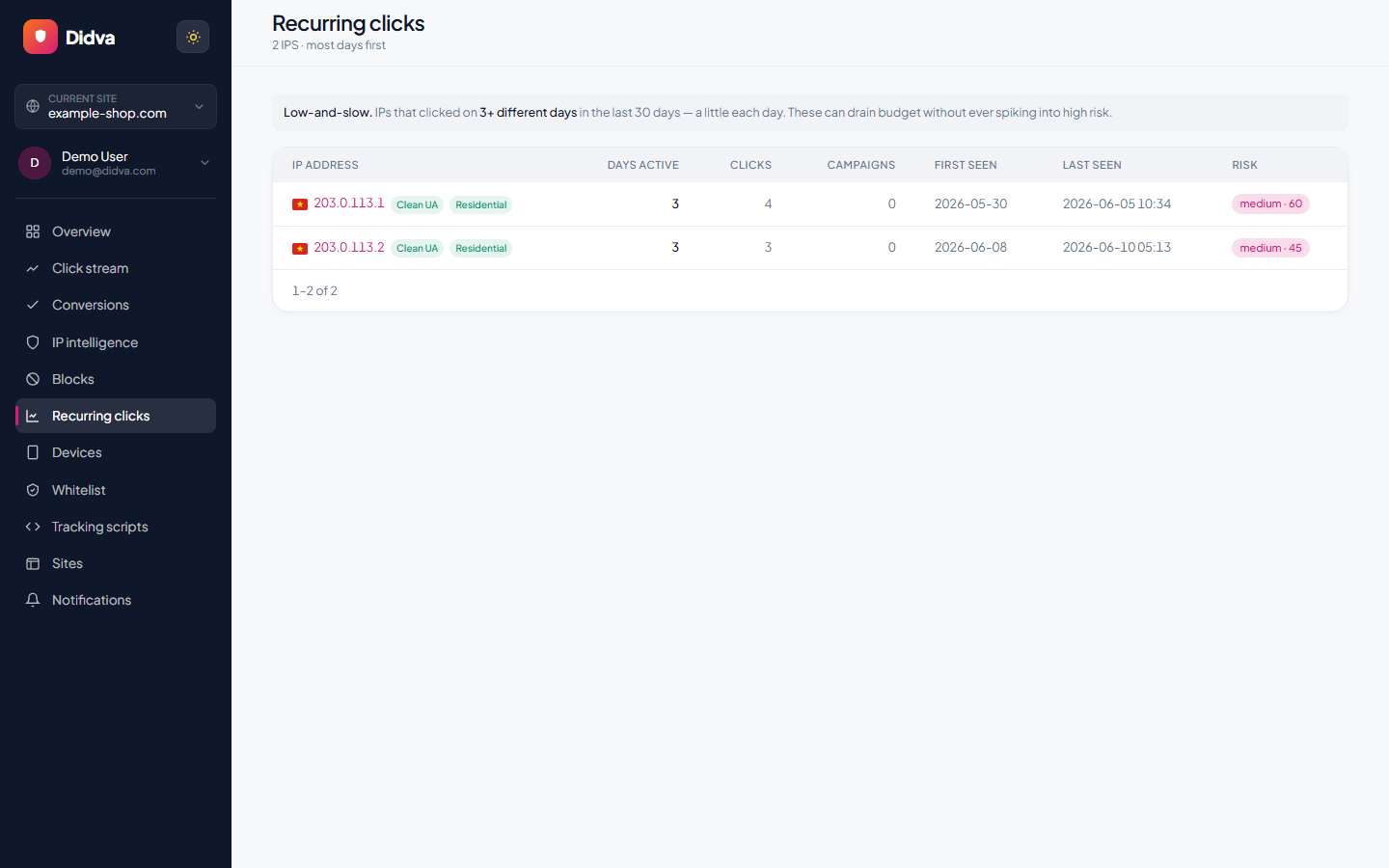
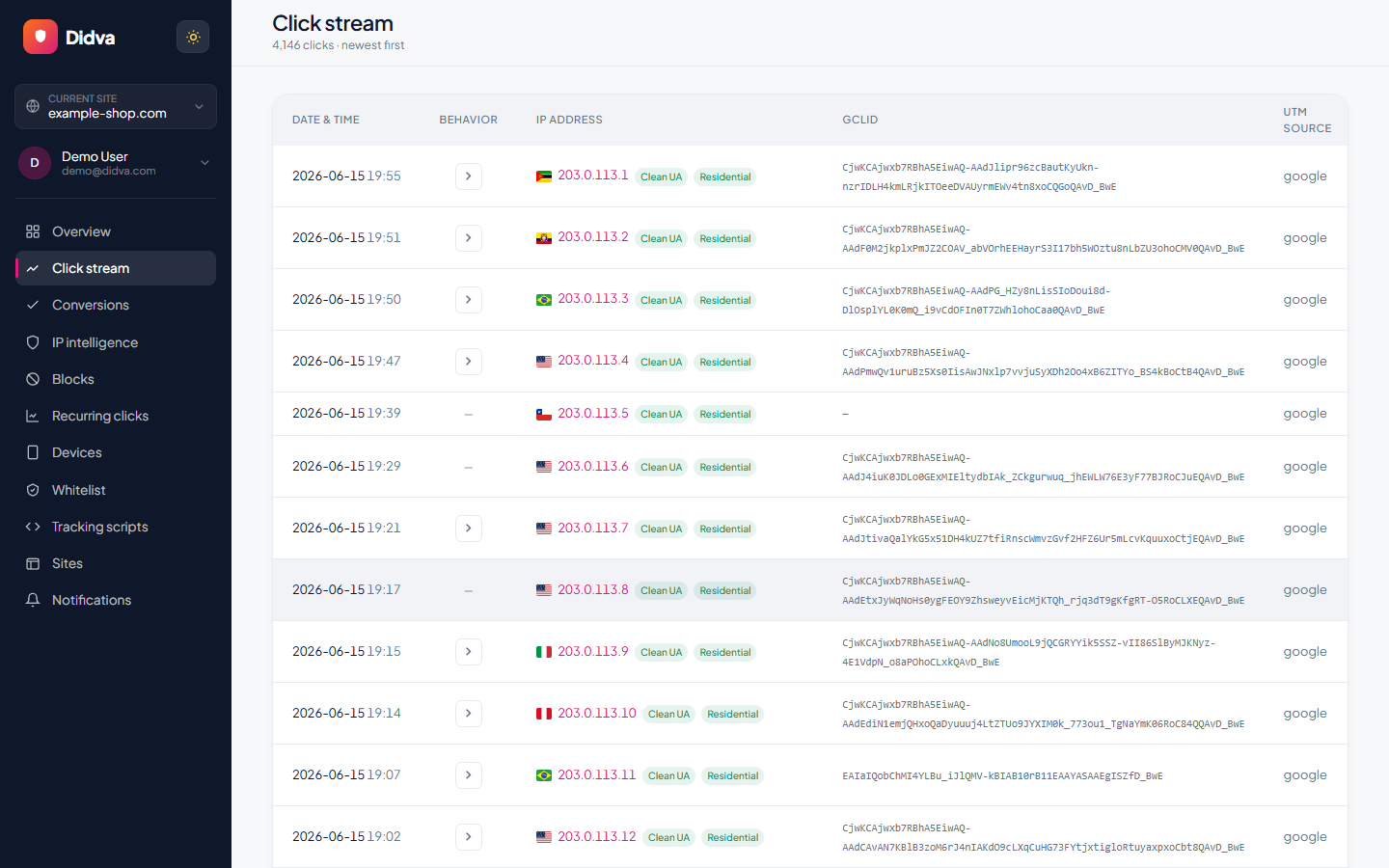
Google Ads alone won't show you most of this. It reports invalid click totals, not devices or addresses, so you need your own record of each visit, which is what tools for PPC fraud protection such as Didva keep.
What this looks like in a click log
Here are two screens from Didva's device view, shown with a demo account (the addresses come from the range reserved for documentation). The first lists device fingerprints seen on two or more addresses and marks one on five as a farm. The second opens one of them: a single device that clicked five times from five addresses in four countries, all within about a minute.
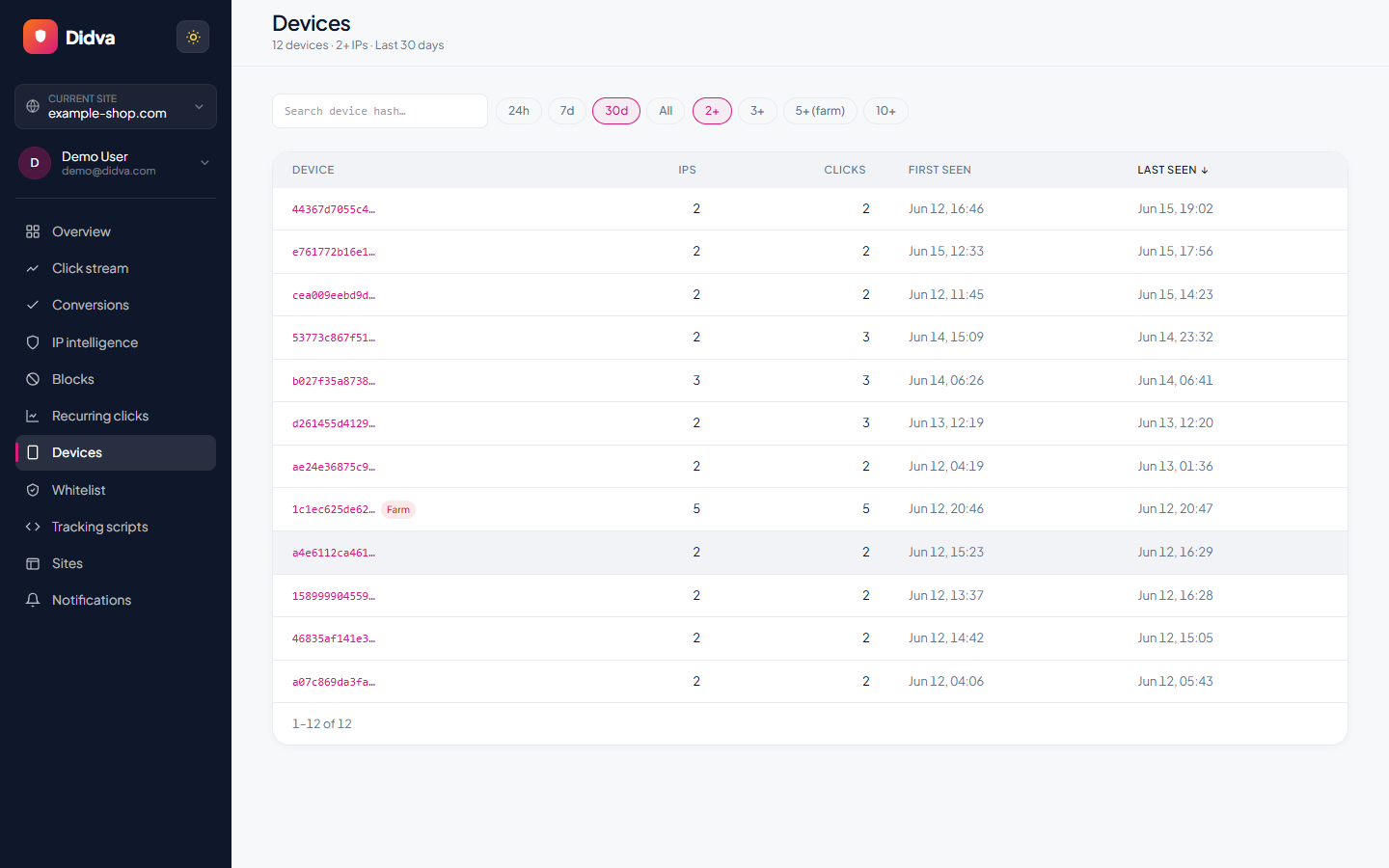
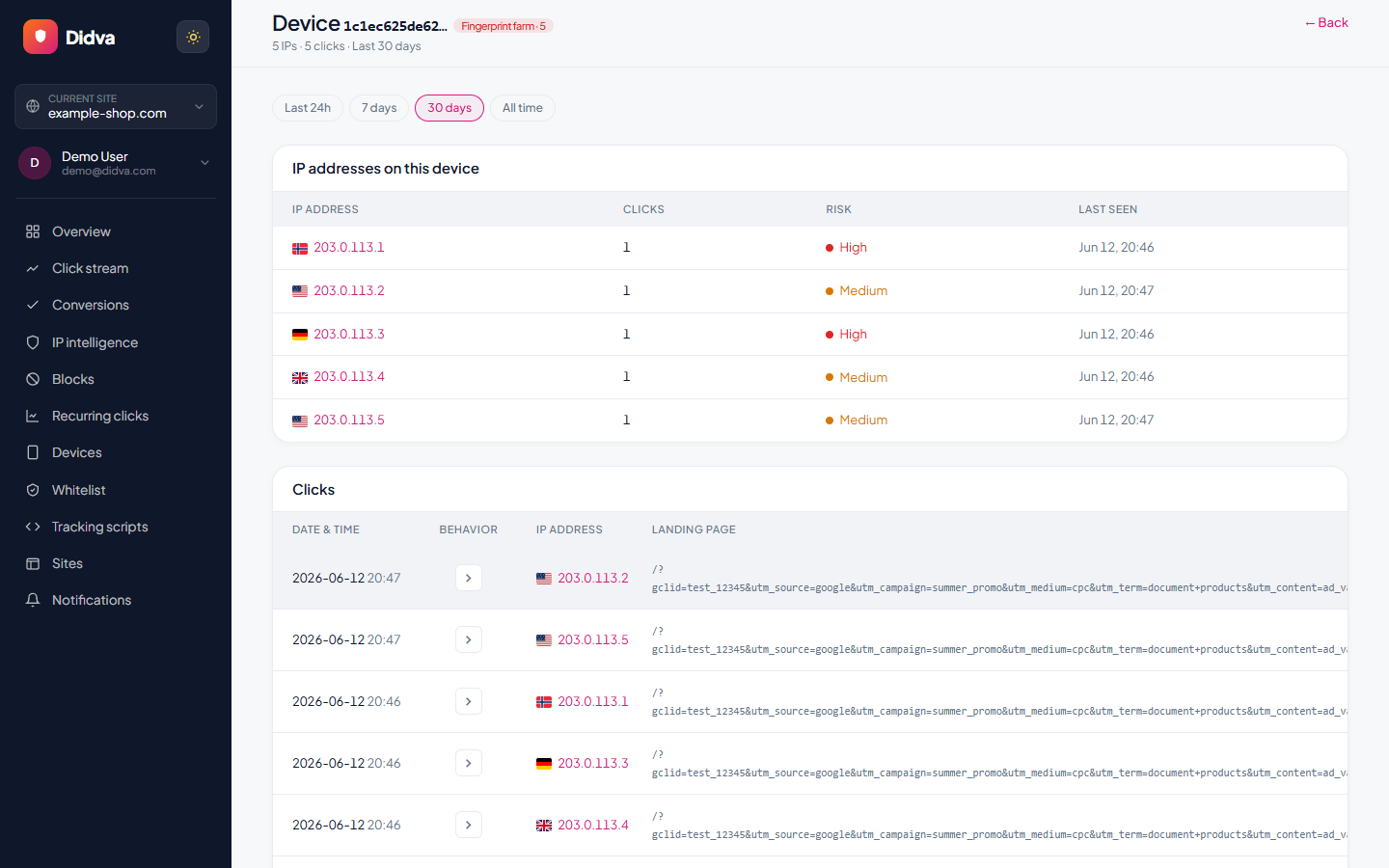
In a real account, a pattern like the second is hard to explain innocently. Someone who travels changes country once, not four times in a minute.
What to do about it
- Exclude the addresses. Google allows 500 IP exclusions per campaign and an account-level list that covers Performance Max. Use a wildcard for the last part of an address when a farm uses a block.
- Tighten location targeting. Set locations to people who are "in or regularly in" your areas rather than those "interested in" them, and exclude countries you don't serve.
- Review Display and app placements. Exclude apps and sites with high click rates and no conversions.
- Report it. Google investigates activity from the last 60 days through its click quality form; invalid click protection for Google Ads explains what Google filters on its own. See how to report invalid clicks to Google Ads.
If the clicks look automated rather than human, the signs are different; fake clicks on Google Ads covers those. For how click farms fit alongside bots, spoofing and other schemes, see ad fraud detection software by fraud type.
See Didva in action
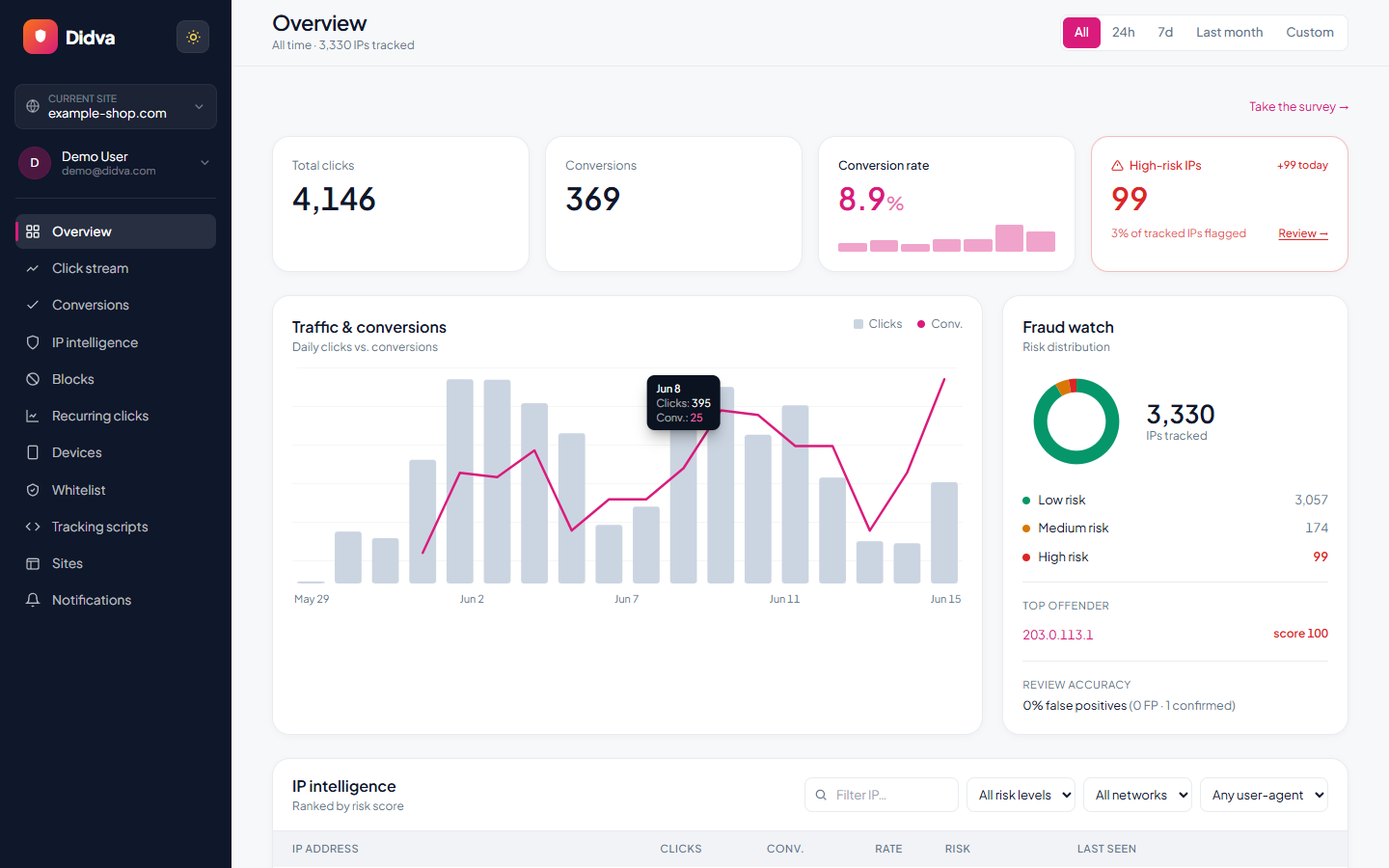
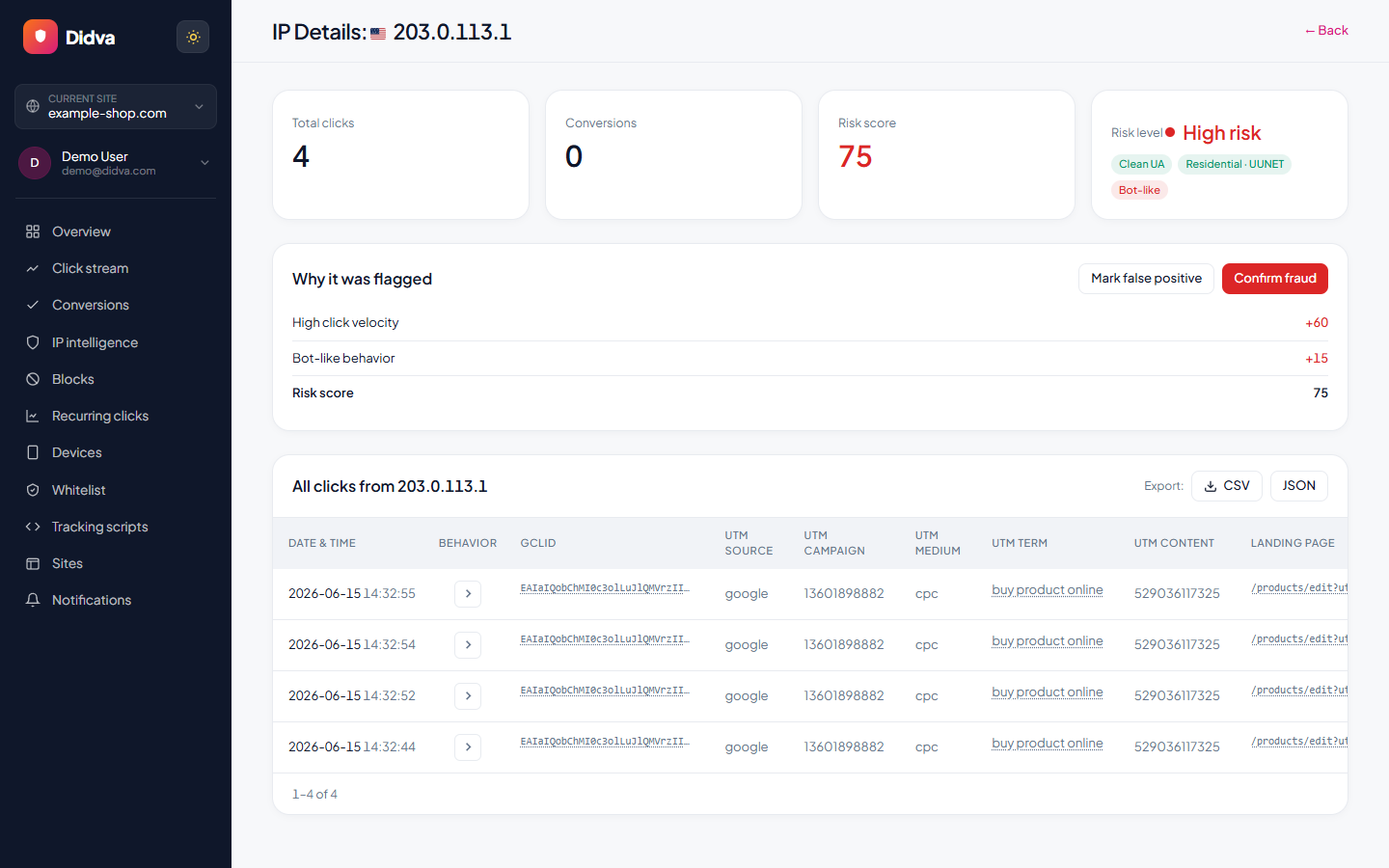
Real-time monitoring, risk scoring and one-click evidence, all in one dashboard.
What advertisers say
Real feedback from teams protecting their paid traffic with Didva.
Caught a click-farm pattern our previous tool missed and cut wasted spend within the first month.
Setup was a single snippet. The evidence export made our Google Ads refund request painless.
Clear per-IP reasons and a review queue so we are not blocking real customers. Exactly what we needed.
Datacenter and repeat-click detection paid for itself fast. Reporting is clear enough to share with clients.
We manage campaigns across several clients and the dashboard quickly highlighted traffic patterns we would have otherwise missed.
Simple setup, useful alerts, and enough detail to investigate suspicious visitors without involving developers.
The product delivered value quickly. I would like a few more filtering options, but the core detection features work well.
The manual review queue helped us avoid blocking legitimate visitors while still dealing with suspicious traffic.
The IP-level evidence makes client conversations much easier. Instead of assumptions, we can show actual data.
One of the cleaner interfaces we have used in the ad fraud space. Reports are easy to understand.
Within the first week we found a source of repeated clicks that had been consuming budget for months.
Useful notifications, clear reasoning, and very little noise. Most flagged visits deserved attention.
We mainly wanted better visibility into traffic quality. The platform delivered exactly that.
I like that every flag includes supporting details. It builds confidence in the decisions being made.
We tested several tools and this was the easiest one to explain to both clients and team members.
Good balance between automation and transparency. Nothing feels hidden behind a black box.
The repeat-click reports helped us identify unusual traffic spikes during a competitor campaign launch.
Client reporting became much easier once we started including the exported traffic quality reports.
Strong product overall. A few advanced reporting features would be nice, but detection accuracy has been solid.
The value was obvious after the first couple of weeks. We now review suspicious traffic as part of our regular workflow.
Ready to see which clicks are real? Start protecting your paid traffic in minutes.
Start Protecting Your AdsFrequently asked questions
What is a click farm?
An operation that pays people to generate clicks, likes, follows or views in bulk, usually on many phones at once. The Media Rating Council, which audits ad measurement, classes click farms as "incentivized human invalid activity", a form of sophisticated invalid traffic.
Do click farms click on Google Ads?
They can. Google's help pages list "publishers who pay users to click ads" and "competitors who manually click to increase your spend" as invalid activity. Google doesn't charge for clicks it identifies as invalid.
Why don't bot filters catch click farms?
Bot filters look for signs of automation such as headless browsers, data-center addresses or robotic timing. A click farm uses real people on real phones, often on mobile networks, so each click looks like a normal visit. The giveaway is the pattern across many clicks.
How do I detect click farms on my ads?
Group your paid clicks by device and by network. Many different devices behind a handful of IP addresses, or one device showing up on several addresses and countries, is a strong sign. So are bursts at the same hours each day and near-zero conversions from those groups.
Where are click farms located?
Reporting has tied them to countries with cheap labor and weak enforcement; an SBS News explainer names Thailand and Bangladesh. Farms can route traffic through VPNs, so location alone isn't proof.
Can I get a refund for click farm clicks?
Clicks Google finds invalid are not charged, and later finds are credited where possible. For clicks it missed, you can request an investigation of the last 60 days through Google's click quality form. Device and IP patterns make a stronger case than a feeling that traffic looks off.
How does Didva detect click farms?
Didva records a device fingerprint with each paid visit and groups them. Its device view lists fingerprints seen on two or more IP addresses and flags those on five or more as a possible farm. A nightly scoring pass and a daily repeat-clicker check flag the addresses; paid plans exclude them in Google Ads automatically.
Sources
- MRC IVT Guidelines Addendum (June 2020): click farms under incentivized human invalid activity
- SBS News: Explainer, click farms, inside the online phenomenon (2017)
- De Cristofaro et al., "Paying for Likes? Understanding Facebook Like Fraud Using Honeypots" (IMC 2014)
- Google Ads Help: about invalid traffic (paid clicking, 60-day investigation)
- Meta: fighting fake likes from click farms (2015)
See how much of your traffic is real
Tell us your site and we'll show you where invalid clicks are draining your budget.
Related solutions
See whether a click farm is behind your clicks.
Start free. New accounts get 14 days of Growth, long enough to see device and network patterns build up; the free plan keeps 7 days of data after that.